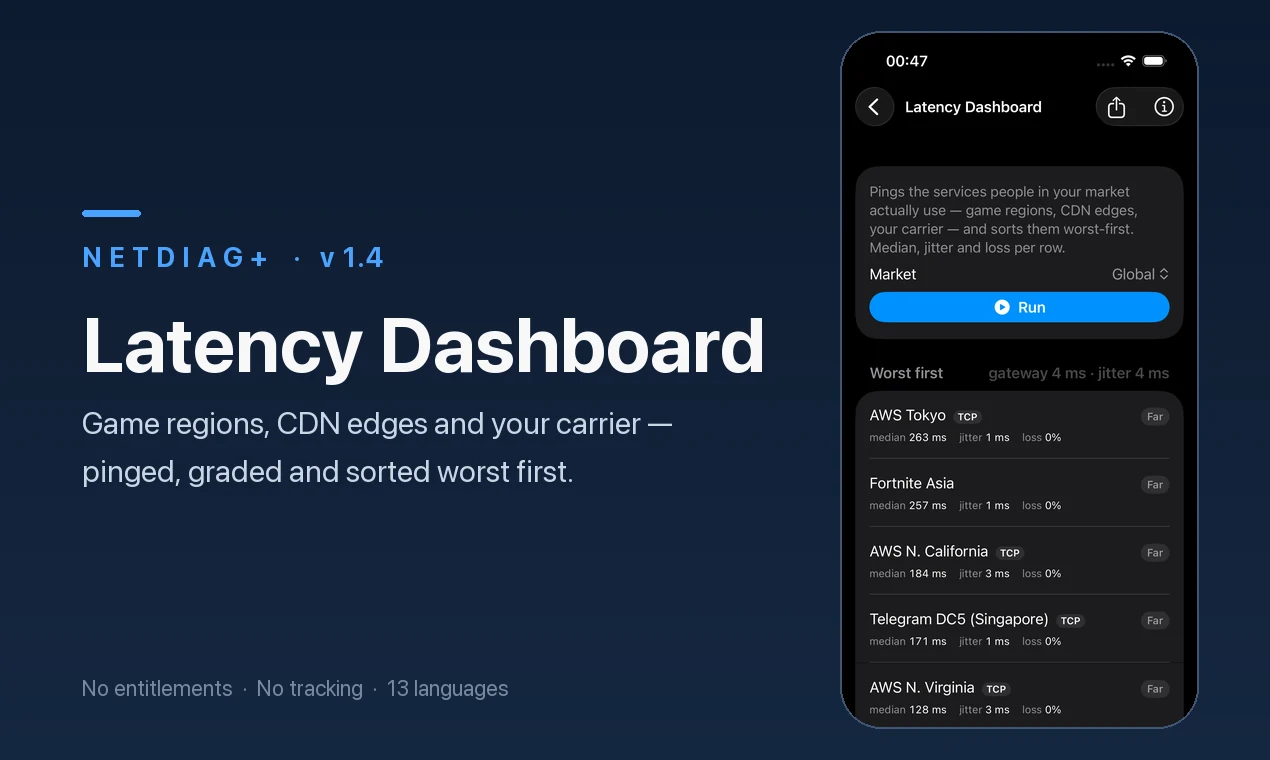
Latency Dashboard
Pings the game regions, CDN edges and carriers people in your country actually use, sorted worst first. Your router is checked before any of them, so a slow Wi-Fi link at home is never mistaken for a slow server.
 NetDiag+
Video calls freezing? VPN refusing to connect? Games dropping packets? NetDiag+ explains what is actually happening and where the problem shows up — with the tools a network engineer would reach for (31 on iPhone, 32 on Android), on the phone in your pocket.
Free · 31 tools on iPhone, 32 on Android
Pings the game regions, CDN edges and carriers people in your country actually use, sorted worst first. Your router is checked before any of them, so a slow Wi-Fi link at home is never mistaken for a slow server.
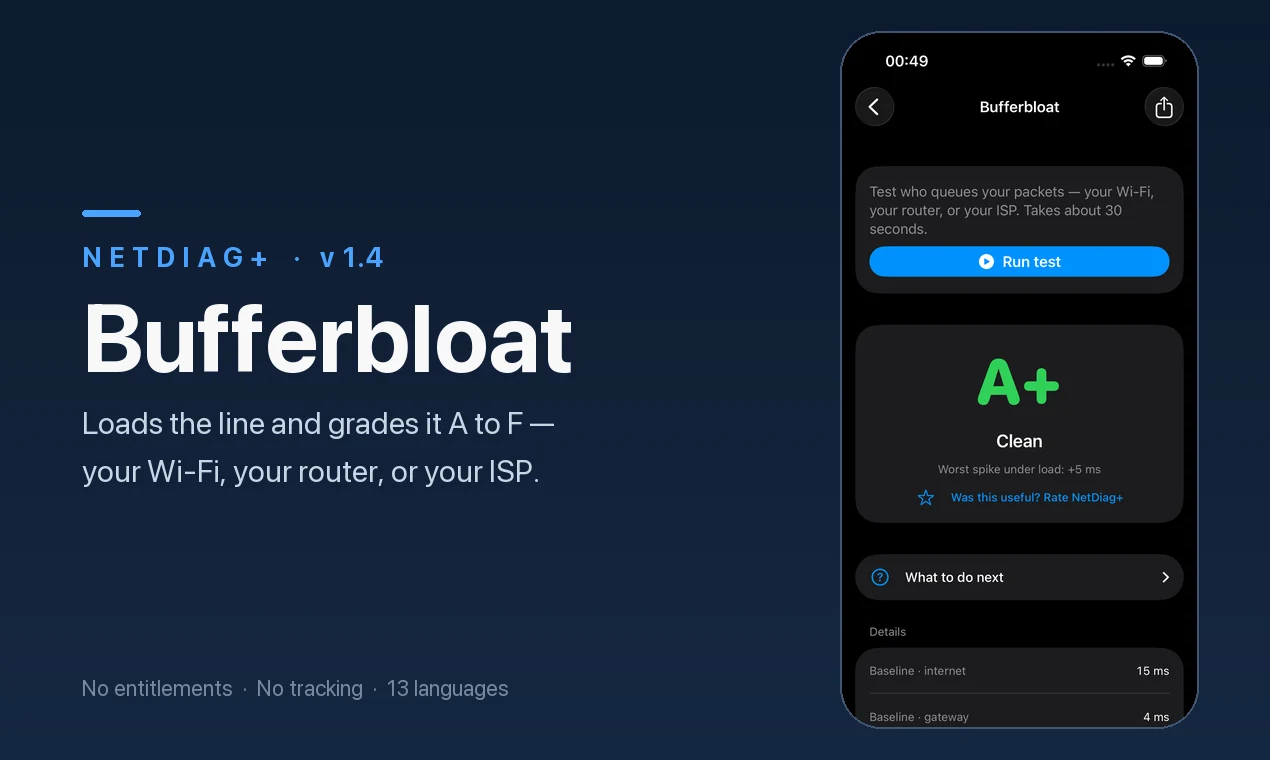
Loads the line on purpose and pings your router and the internet at the same time, then grades it A+ to F and shows where the queue builds: your Wi-Fi, your router, or your provider.
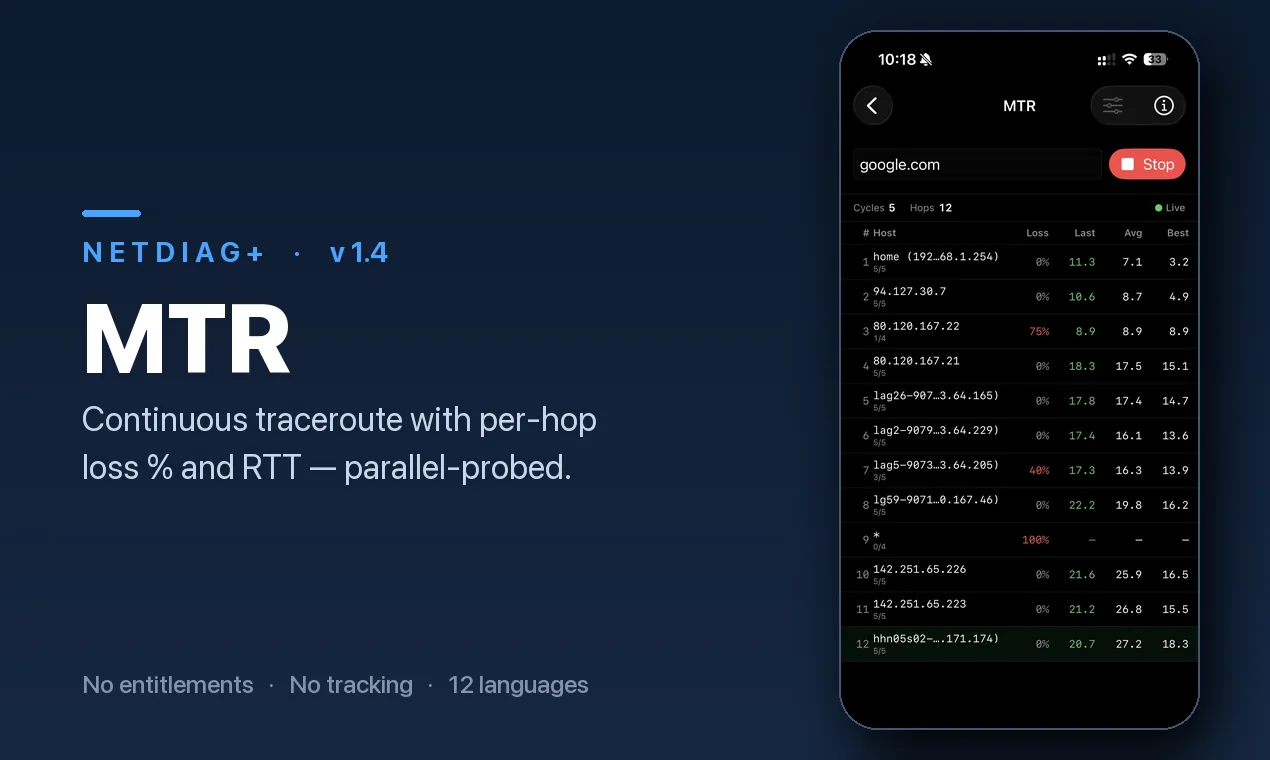
See the full path your traffic takes and exactly which hop starts losing packets. Combines ping and traceroute into one continuous test — the standard tool network engineers use to isolate problems between you and a server.
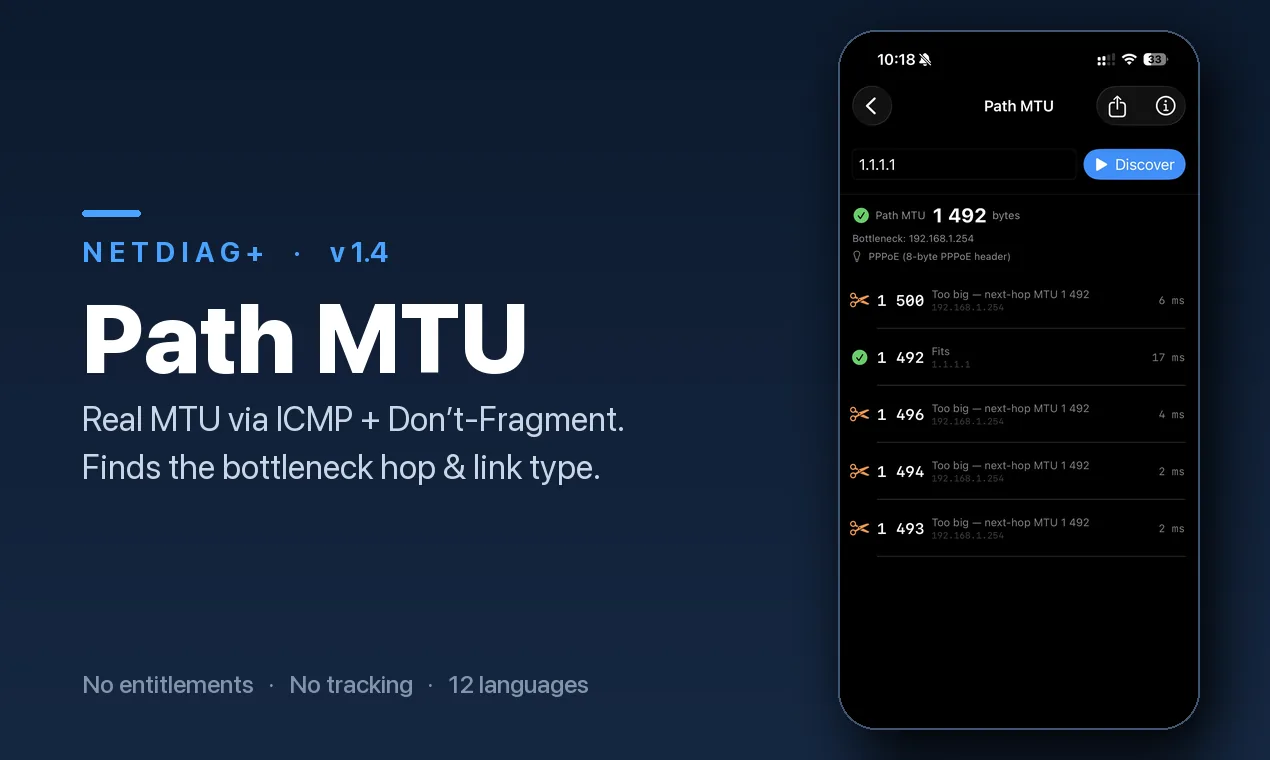
Find the largest packet your connection can carry end-to-end — one clear number to put in your router. Especially useful on VPN and PPPoE connections where oversized packets are silently dropped.
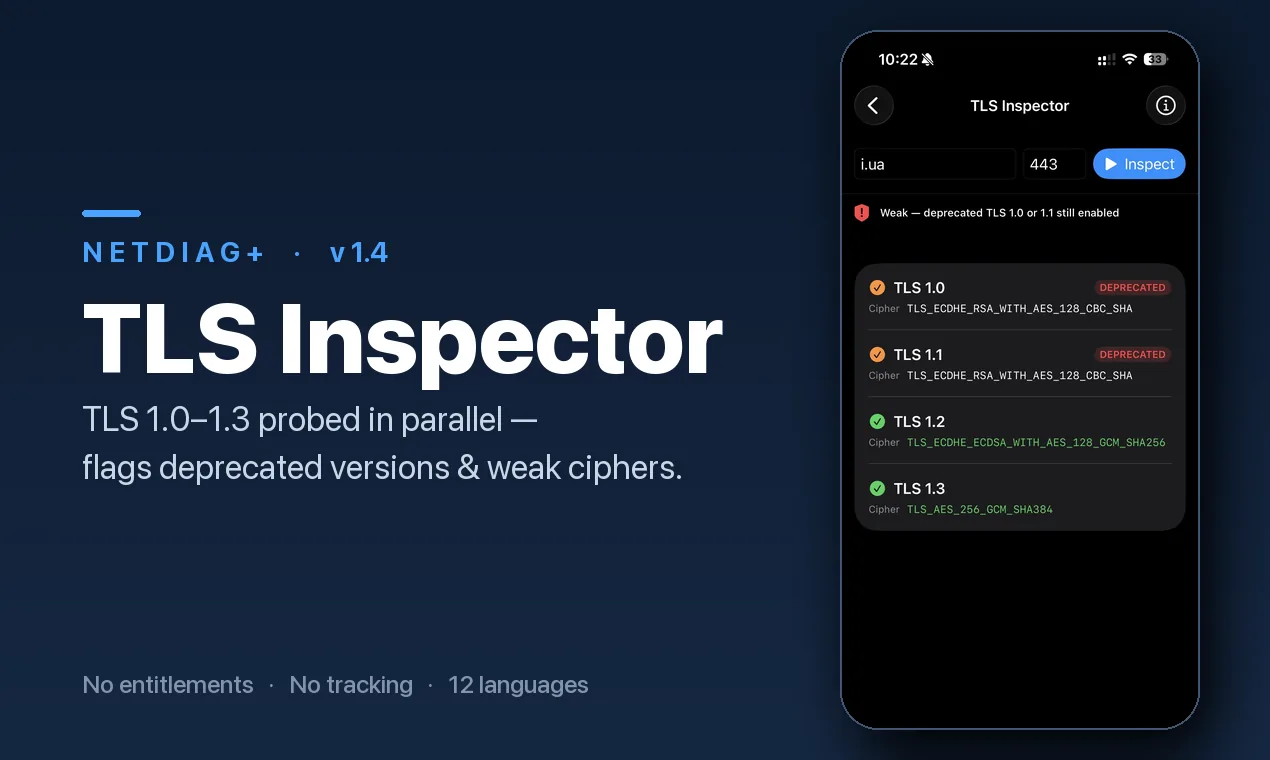
Inspect the certificate chain, expiry dates and the negotiated cipher suite. See whether a network is intercepting your HTTPS traffic or if a certificate is close to expiring.
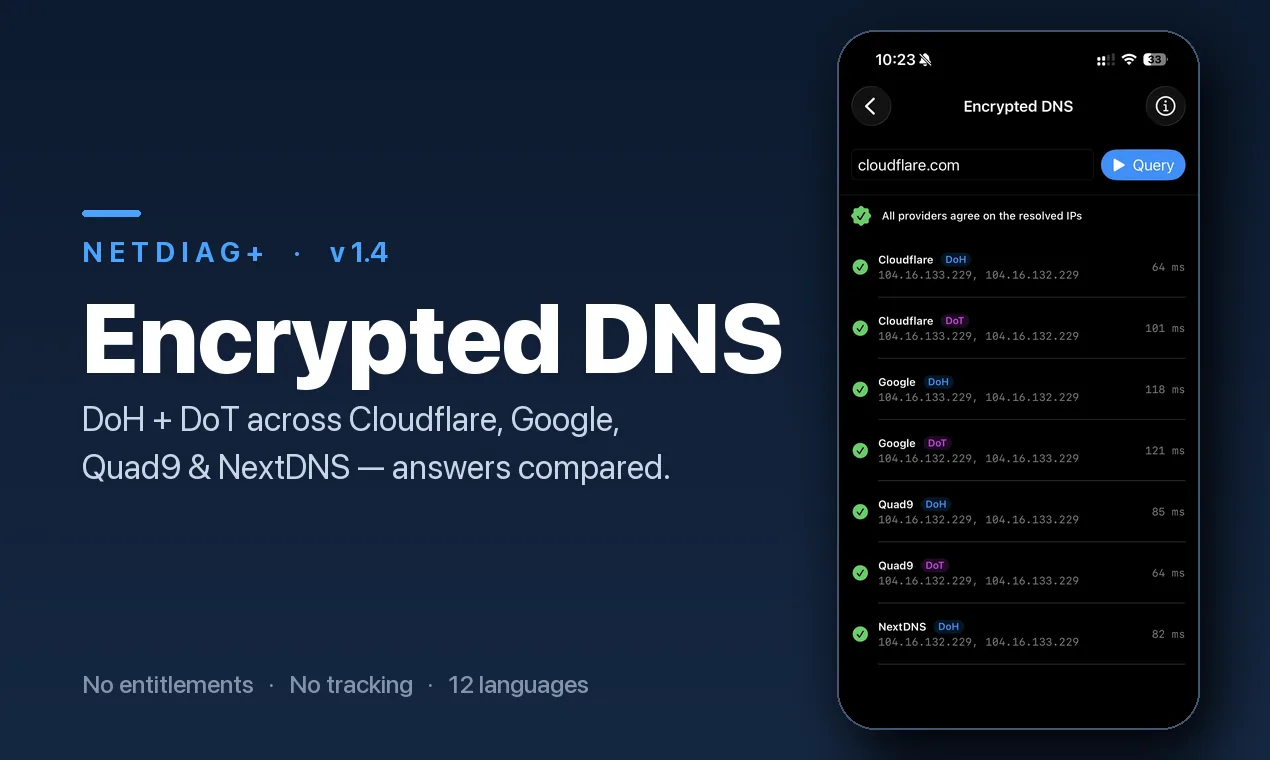
Test DoH and DoT resolvers, compare them, and see which one answers fastest. Find out whether your ISP’s default resolver is slower or less private than the alternatives.
Your download speed can look perfect while video calls freeze, VPN tunnels drop and games stutter. A speed test measures throughput — how much data your connection can push in bulk. It does not test the things that break real-time traffic: latency to the servers you actually use, jitter that makes voice packets arrive out of order, or bufferbloat that adds hundreds of milliseconds the moment someone else on your network starts a download.
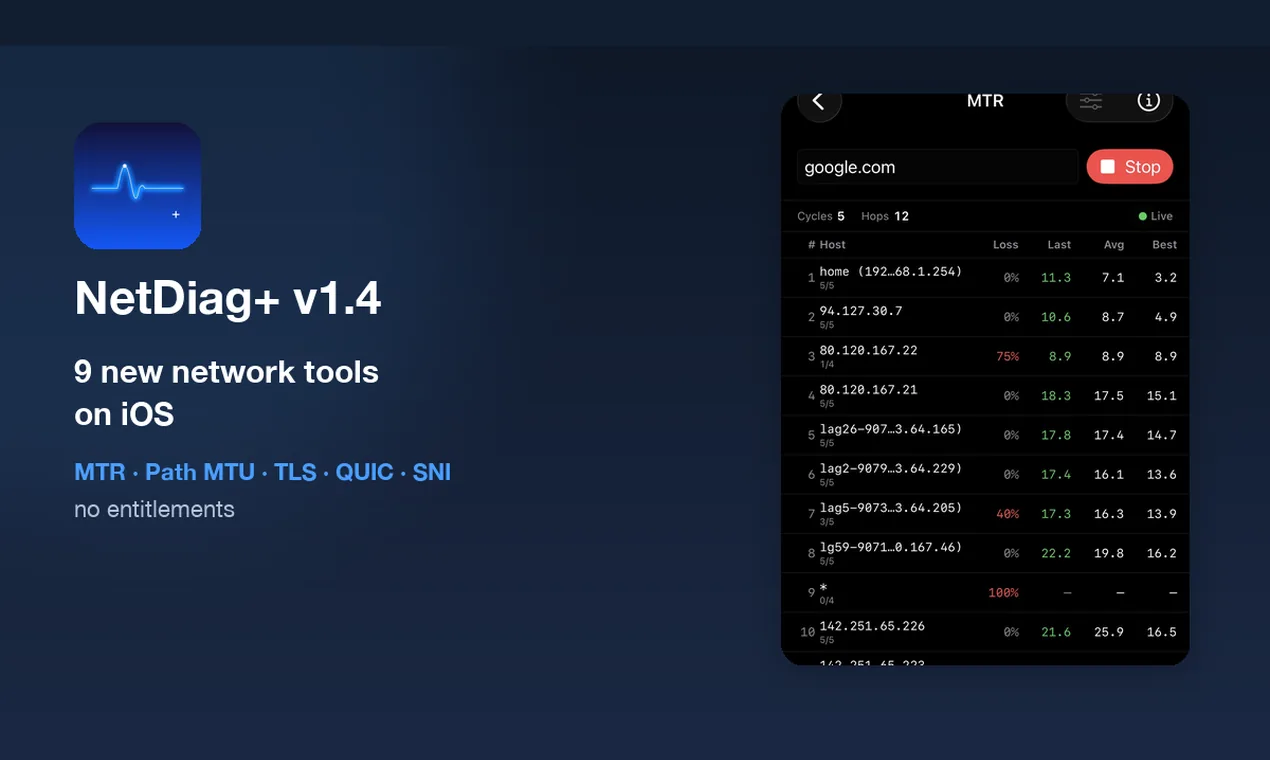
NetDiag+ tests each of these directly on your iPhone or Android. The Latency Dashboard pings the same game servers, CDN edges and DNS resolvers your traffic hits in practice — not a single test server chosen for you. The Bufferbloat test loads your line on purpose and measures the damage. MTR traces the full route and shows where packets start disappearing.
Most network diagnostic tools live on a desktop and require command-line experience. Browser-based alternatives are limited to what JavaScript can do — they cannot send ICMP packets, trace routes or discover your real MTU. NetDiag+ uses the same BSD sockets that mtr, dig and openssl use, packaged into tests you can run anywhere your phone has signal.
Every result is explained in plain language: where in the connection the problem shows up, what the numbers mean, and what you can do about it. Run a test next to the router, share a PDF or text report with your provider, and have evidence instead of “it feels slow.”
Every tool runs on the phone’s own BSD sockets — no jailbreak, no root, no waiting for a desktop. Every result can be exported as text or PDF, which is what turns a diagnosis into evidence when you open a ticket with your provider.
“The interface is clean, smooth, and very intuitive. I was especially impressed by the flawless Arabic and RTL support — it’s rare to see a developer pay such close attention to detail for Arabic users.”
dmzy94 · “Love it, clean and useful. Appreciate the extra info and steps.”
Bmkgroupx · “يستحق ذلك — رائع جدّاً”
FISAL.2 · Free · 31 tools on iPhone, 32 on Android